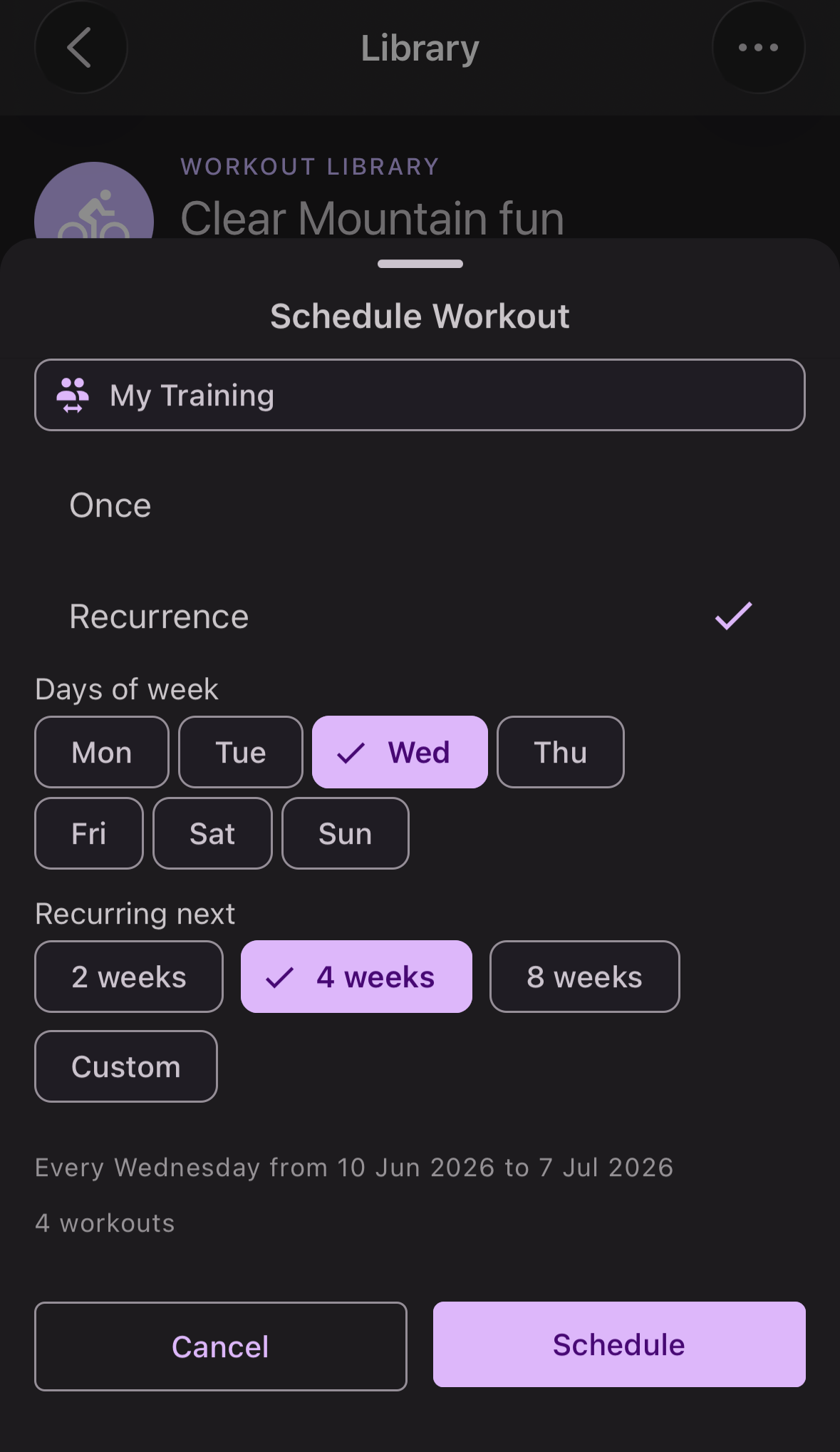
Schedule a Library workout
- Navigate to the Workout Library: Schedule → Add → Workout Library, or More → Workout Library.
- Find the workout and tap Schedule.
- Select the Once for a single workout or Recurrence for recurring workouts up to 90 days in advance.
- Athletes — the workout is added to your own schedule. Tap Confirm.
- Coaches — select yourself and/or any of your athletes from the list, then tap Confirm. The workout is added to each selected schedule.