Why S&C matters for endurance athletes
Strength and conditioning isn’t optional for competitive runners — it’s what keeps you healthy and fast across a full season. Targeted strength work builds the hip stability, posterior chain strength, and single-leg mechanics that translate directly to better running economy and fewer injuries.
Creating a strength workout in the Workout Library
The Workout Library is the best starting point for any session you’ll repeat — a gym circuit, a pre-run activation, a physio protocol. Learn about the workout library here.
- Navigate to the Library: Schedule → Add → Workout Library, or More → Workout Library.
- Tap Create Workout and set the activity type to Strength or Physical Therapy.
- Give the workout a name, then tap through to the Add Exercises screen.
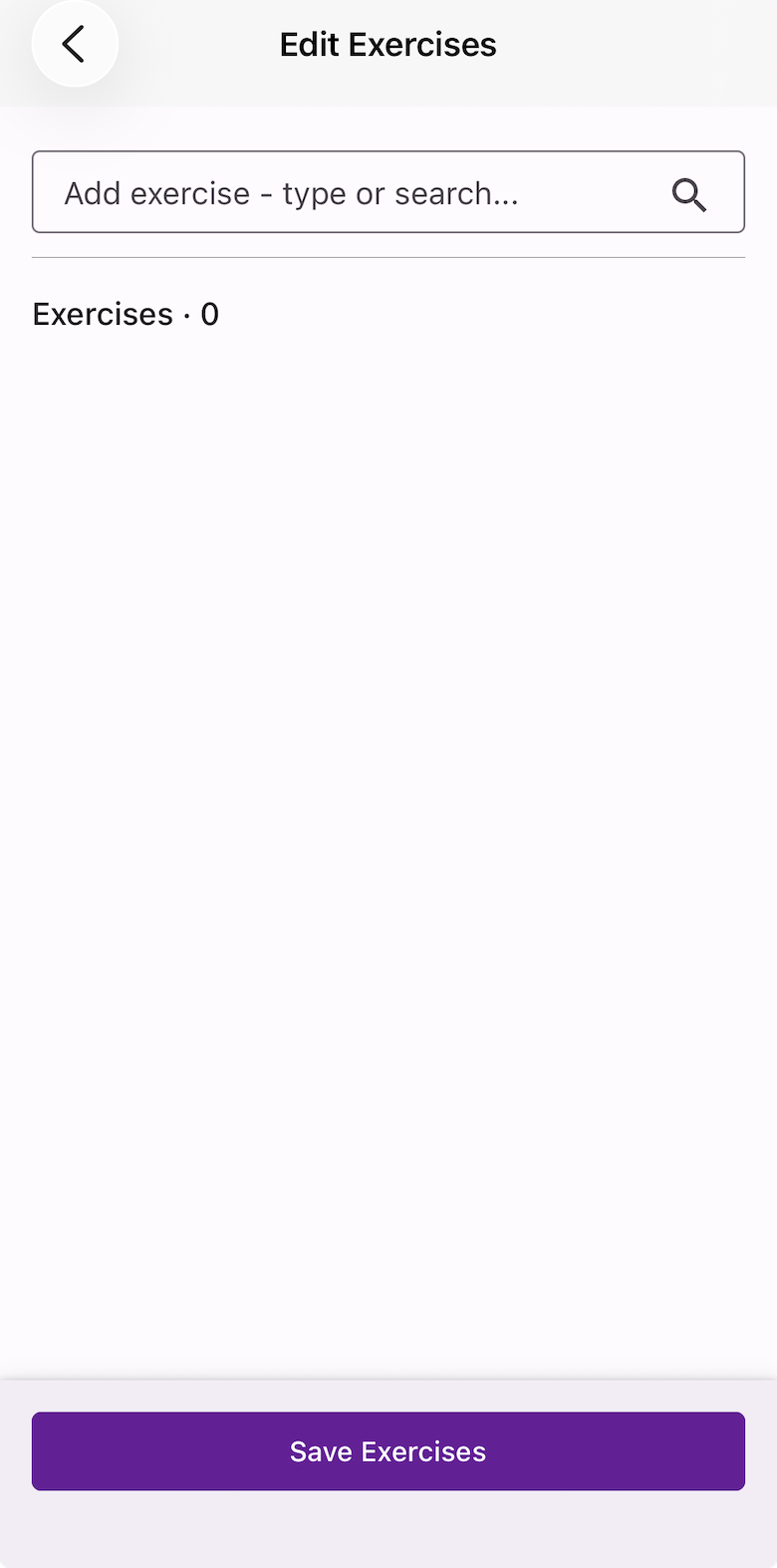
Adding exercises
Tap the “Add exercise – type or search…” field at the top of the screen. You have two options:
- Plain text — type the exercise as you’d write it in a training log, e.g. RDL 4 x 8 @ 105kg. The text is saved exactly as written. No category or muscle group data is attached unless you save it to the Exercise Library (see below).
- From the Exercise Library — start typing a name to search existing exercises. Select one to add it with its category and muscle group data already attached or create your own.
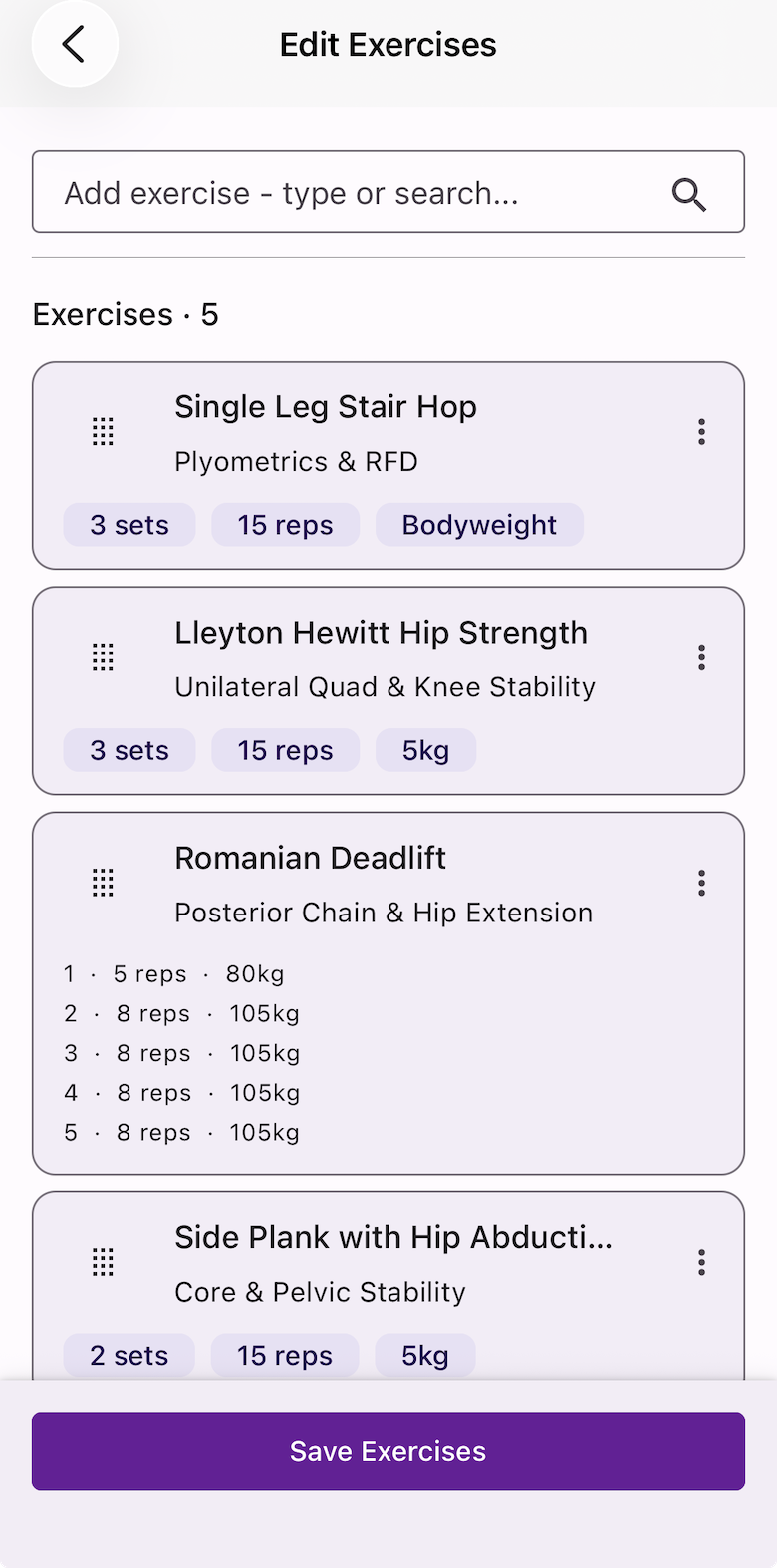
Once added, tap Add sets on the exercise card to configure sets, reps, and load.
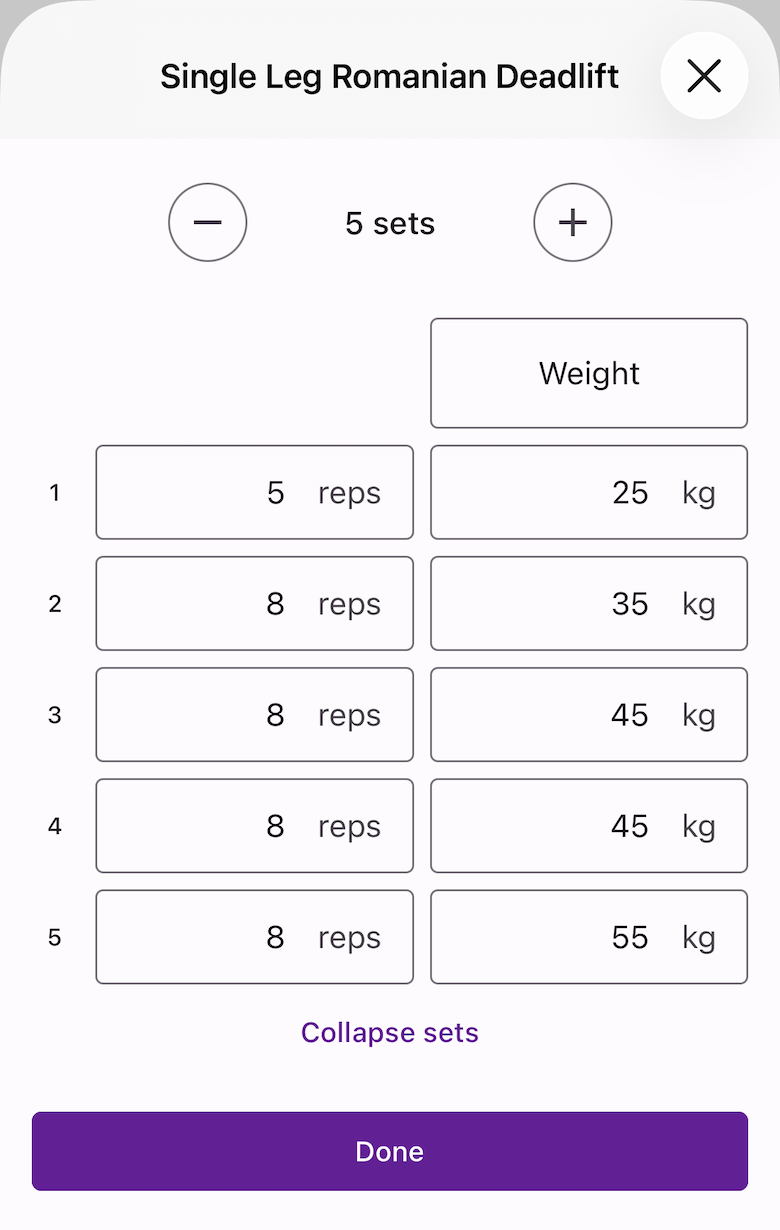
Managing exercises
- Reorder — press and hold the drag handle on the left of any exercise card and drag to the desired position.
- Edit / Add notes / Modify structure / Delete — tap the three-dot menu on the top right of the exercise card.
Saving an exercise to the library
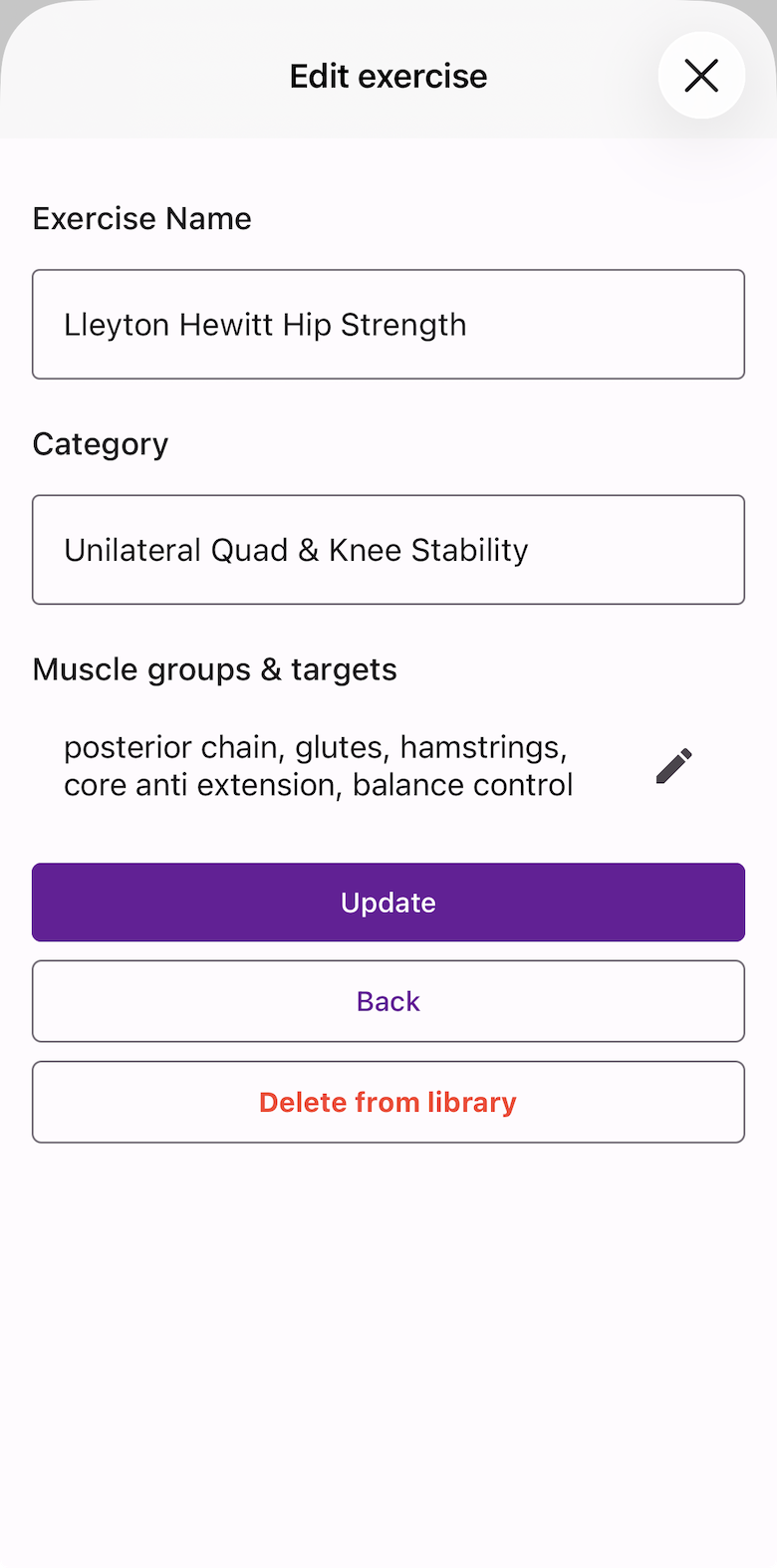
To make a plain text exercise reusable, tap the three-dot menu → Save to library. On the next screen you can set:
- Name — e.g. Romanian Deadlift
- Category — e.g. Posterior Chain & Hip Extension
- Muscle groups — e.g. Hamstrings, Glutes
Category and muscle groups are optional but useful for filtering and searching later.
Saving the workout
When all exercises are added, tap Save Exercises to save the workout to your Library.
Creating a strength workout directly on the Schedule
If you want to build a one-off session without starting from the Library:
- On the Schedule, tap the date and add a new workout.
- Set the activity type to Strength or Physical Therapy.
- Add exercises using the same Edit Exercises flow above.
To reuse this workout in future, tap the three-dot menu on the workout → Save to Library.