A workout in Chiron can be planned, completed, or missed. The schedule shows what you planned against what you actually did.
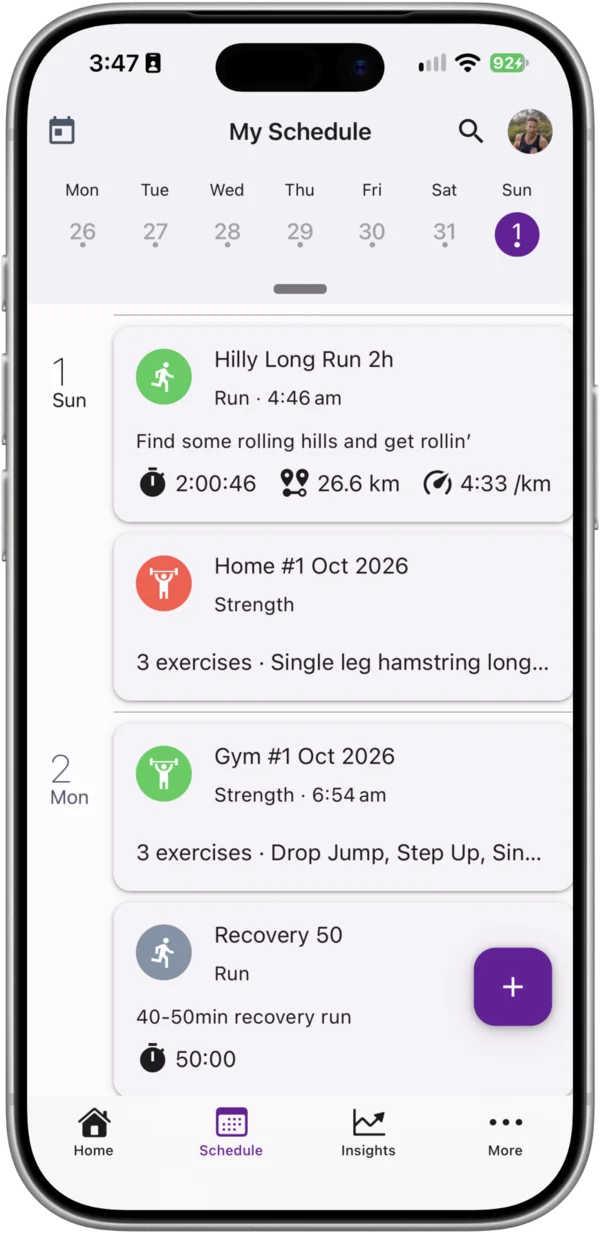
Automatically, from Strava
When a new activity syncs from Strava, Chiron looks for a planned workout that:
- is on the same day,
- is the same activity type (for example run), and
- hasn’t been completed yet.
If it finds one, the activity completes that planned workout. Your planned duration and distance stay on the workout alongside what you actually did. If there’s no matching planned workout, Chiron adds the activity as a new completed workout.
Tip: if you have two planned runs on one day, the first activity to sync completes one of them and the next completes the other. If they end up the wrong way round, or a planned workout doesn’t get matched, you can fix it by unmerging and merging workouts.
Marking a workout complete yourself
For sessions not recorded on Strava, such as a treadmill run without a watch:
- Open the workout and choose Edit from the ⋮ menu.
- Turn on Completed.
- Enter the duration and, for distance-based sports, the distance you completed.
- Tap Save.
You can also add a completed workout that was never planned: create a new workout, leave Planned off and turn on Completed.
Strength workouts
Strength workouts are completed in the app by starting and finishing the session. See Recording a Strength Workout.
Missed workouts
A planned workout from a past day that was never completed shows as missed, with the planned detail, so you and your coach can see what didn’t happen.
Link a race
If the completed workout was a race, link it to the race event so your result and splits are kept together. See Planning for a Race.